Wertvolle Einblicke im „Einkünfte“-Dashboard erhalten
Wenn du deine Einkünfte verstehst, kannst du als Gastgeber:in erfolgreicher sein. So kannst du die Funktionen im „Einkünfte“-Dashboard nutzen.
Interaktives „Einkünfte“-Diagramm
Das „Einkünfte“-Diagramm oben im Dashboard zeigt:
- wie viel du dir in den letzten sechs Monaten jeweils dazuverdient hast;
- wie viel du dir im aktuellen Monat bisher dazuverdient hast;
- wie viel du dir voraussichtlich in jedem der nächsten fünf Monate dazuverdienen wirst, basierend auf den anstehenden Buchungen.
Erweitere das Diagramm, um dir deine Einkünfte nach Monat oder Jahr anzeigen zu lassen, und verwende den Filter, um sie nach Inserat aufzurufen.
Unterhalb des interaktiven „Einkünfte“-Diagramms zeigen Performance-Statistiken die Gesamtzahl der gebuchten Nächte und die durchschnittliche Aufenthaltsdauer an.
In der Zusammenfassung der Einkünfte sind deine Bruttoeinkünfte, die Abzüge und die gesamten Nettoeinkünfte seit dem 1. Januar des aktuellen Jahres aufgeführt.
„Einkünfte“-Karten
Wenn eine Zahlung an dich unterwegs ist, wird eine „Einkünfte“-Karte im „Einkünfte“-Dashboard angezeigt. Sie enthält Folgendes:
- Auszahlungsart
- Transaktionsbetrag
- geschätzte Bearbeitungszeit
Öffne die Transaktion, um weitere Details aufzurufen.
Nach Art der Einkünfte filtern
Filtere deine Einkünfte nach Art, wenn du anstehende oder bezahlte Transaktionen überprüfst. Die Arten umfassen:
- Unterkünfte
- Entdeckungen
- Services
- Guthaben
- gelöste Forderungen
Du kannst Transaktionen auch nach Datum, Inserat und Auszahlungsart filtern.
Aufstellungen von Einkünften
Airbnb erstellt Monats- und Jahresaufstellungen für dich. Diese reichen bis zu dem Monat zurück, in dem du mit dem Gastgeben begonnen hast. Du kannst jede Aufstellung herunterladen oder eine PDF-Kopie für deine Unterlagen per E-Mail erhalten.
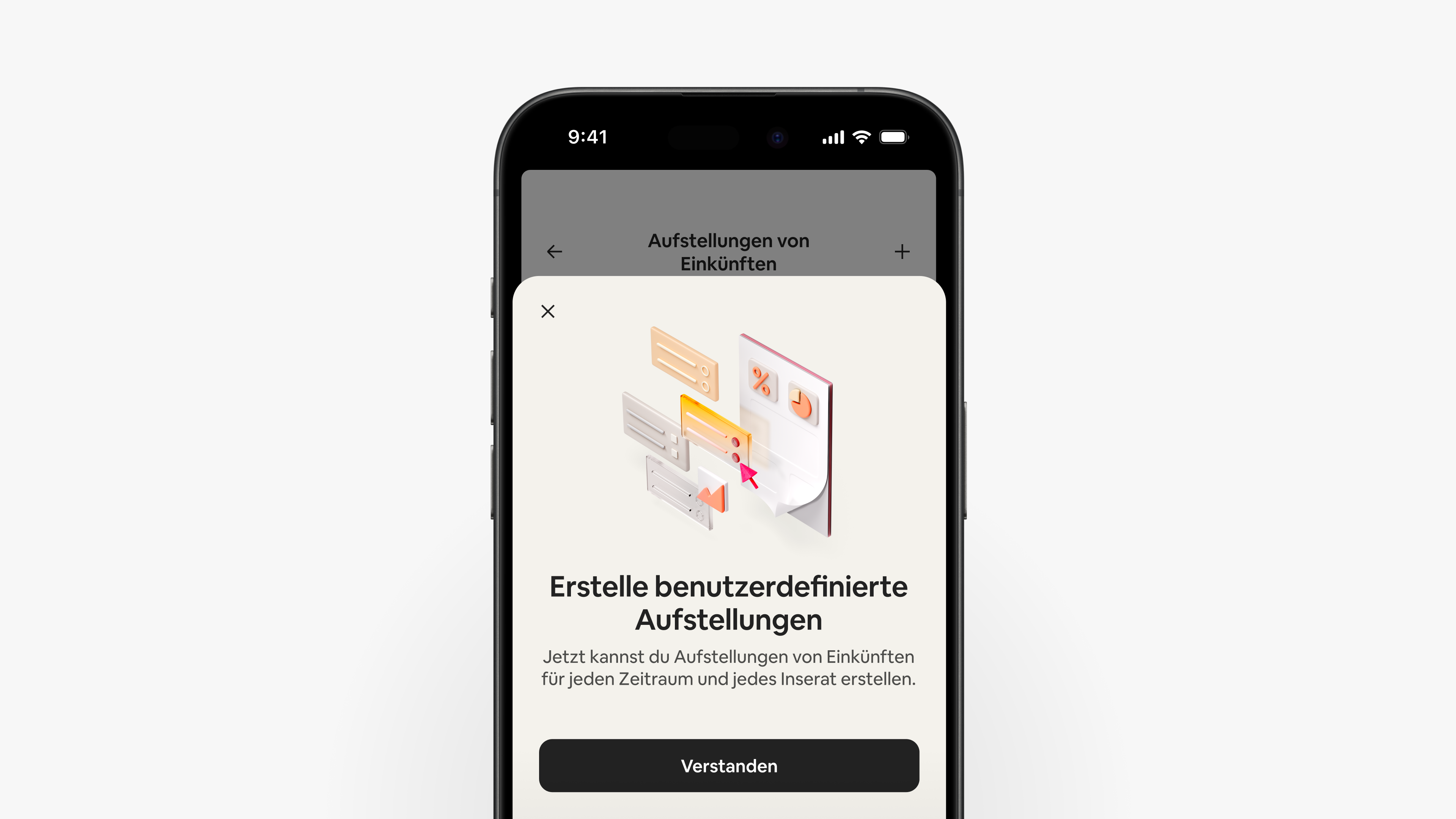
Du kannst auch benutzerdefinierte Aufstellungen für beliebige Inserate und Zeiträume erstellen. Jede Aufstellung enthält eine Aufschlüsselung deiner Bruttoeinkünfte, der Abzüge und der gesamten Nettoeinkünfte.
Du kannst auch Folgendes einbeziehen:
- Auszahlungsarten, die die Gesamteinkünfte pro Auszahlungskonto anzeigen
- Performance-Statistiken, die gebuchte Nächte und die durchschnittliche Aufenthaltsdauer zeigen
Wenn du ausgewählt hast, was du einbeziehen möchtest, kannst du eine PDF-Datei der Aufstellung für deine Unterlagen herunterladen oder per E-Mail erhalten.
Einstellungen und Dokumente
Über das Zahnradsymbol oben rechts im „Einkünfte“-Dashboard kannst du auf Folgendes zugreifen:
- Auszahlungsarten und Auszahlungsregeln
- Angaben zu Steuerzahler:innen und Steuerdokumente
- Aufstellungen von Einkünften für beliebige Inserate und Zeiträume
- wiederkehrende Spenden an Airbnb.org als Prozentsatz jeder Auszahlung zur Unterstützung von Menschen in Krisenzeiten
Das Nutzungserlebnis kann je nach Standort variieren.
Die in diesem Artikel enthaltenen Informationen können sich seit der Veröffentlichung geändert haben.